
Installation guide
Install ORCA on your device
Follow the steps below. Need help? Our support team replies 7 days a week.
tv
Android TV and Xiaomi Box
Install Orca in 5 steps on your Android TV or Xiaomi box using the Downloader app.
-
1
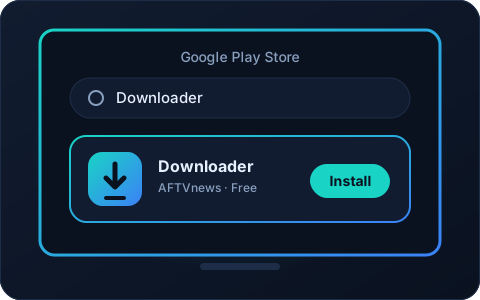
Install the Downloader app
Open the Play Store on your device, search for Downloader and install it.
-
2
Enter the code or the link
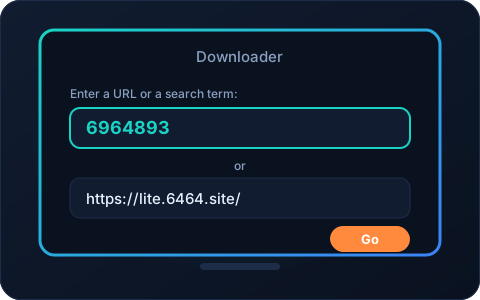
Open Downloader and type one of the following in the address field:
-
6964893 -
https://lite.6464.site/
Then confirm with the Go.
-
-
3
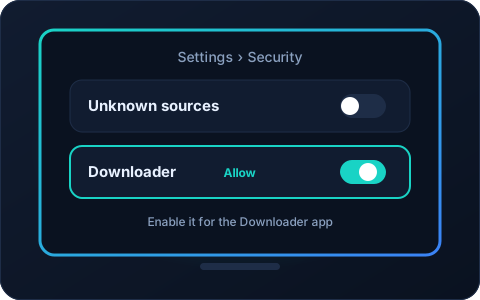
Allow installation from unknown sources
Before installing Orca, allow installation from unknown sources in your device's Settings (for the Downloader app).
-
4
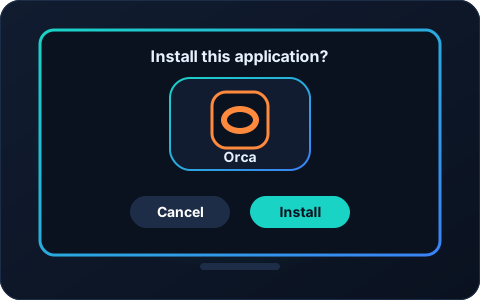
Install the Orca app
Once the download has finished, confirm with Install.
-
5
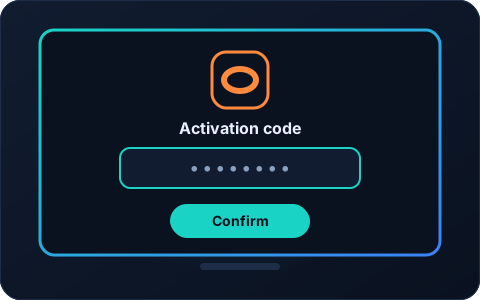
Enter your activation code
Open Orca: the app asks you for an activation code. Enter the one you received after your order.
headset_mic
Having trouble during installation?
Write to us with your device details and we will guide you step by step.